ThePressontheGPU
The shader behind this site’s homepage does, per pixel, sixty times a second, what a Philadelphia workshop did with ruled glass and hydrofluoric acid.
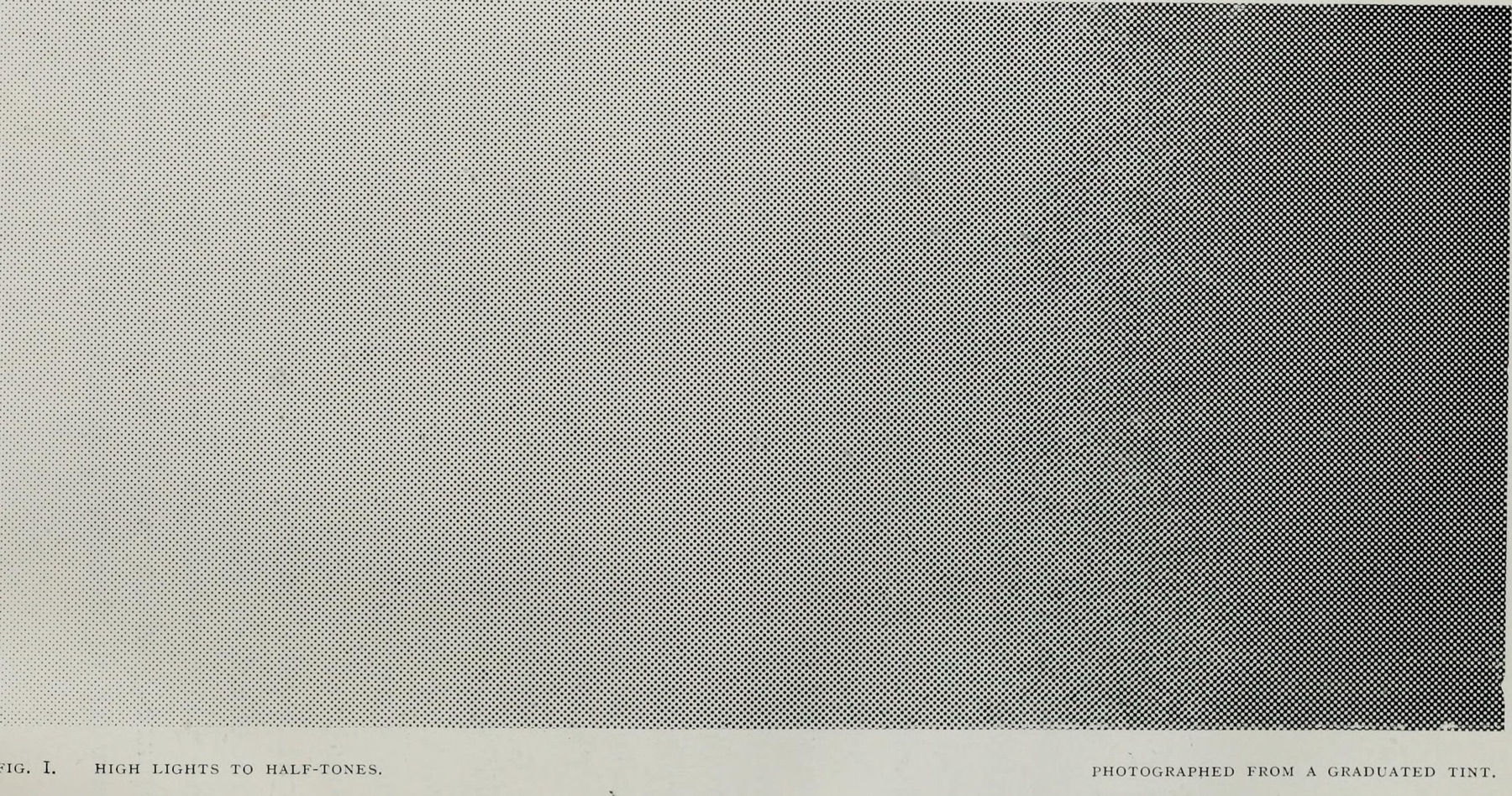
A continuous tone, photographed through a screen in 1904: the dots emerge out of white, swell, and begin to touch. Everything in this chapter is that plate, computed — one distance test per pixel, sixty times a second.
A grid, from
one number
Everything starts with a cell grid. One uniform sets how many cells span the image, and it spans the whole historical range — from four hundred cells across, which is fine-art stock, down to seven, which is coarser than any newspaper ever printed.
The image is divided into those cells. Each cell will grow exactly one dot.
A dot is a
distance test
Here is the whole idea, and it is smaller than you would expect. For the pixel being drawn, measure the distance to the center of its cell. If that distance is less than the radius, you are inside the dot.
The radius comes from the image: sample the picture at the cell center, take how much of this plate’s ink that color needs, and use it as the radius. Dark areas ask for more ink, get a bigger radius, and the dots grow until they touch.
One catch, and it is easy to miss. The mask is a blob, not a disc — a smoothstep from zero to the radius is a soft gradient all the way to the center, with no rim in it. The edge appears only when it is thresholded, and the threshold crosses at half the radius. The printed dot is half the size the code appears to ask for.
The screen angles arrive as a two-by-two rotation matrix applied to the grid coordinates — the Levy brothers’ ruled glass, turned fifteen degrees, expressed as four floats.
Three ways
to lay a dot
The same shader, the same image, three modes. Dots threshold each cell’s mask on its own, so they stay discrete. Ink sums the masks first, so neighbors merge the way wet ink does on paper. Sharp abandons the cell entirely and samples per pixel.
Whichever mode, the plates multiply rather than add — each one darkens what is under it, because ink removes light from paper. Add them instead and you get a screen: four lights converging on white.
The shader is Paper Design’s HalftoneCmyk, used verbatim under Apache-2.0 — the only change is the input, pointed at a live raymarched scene instead of a still photograph. Everything it was built from is in the sources below.
Why the loop is
three by three
The shader does not check one cell. It checks nine — the cell the pixel is in, plus all eight neighbors — and that looks like waste until you turn the coverage up.
A dot at high coverage grows past its own cell. Ask only that cell and the dots get chopped off square at the walls, and the image can never reach solid black. Switch this diagram to one-by-one and drag coverage up to watch it happen.